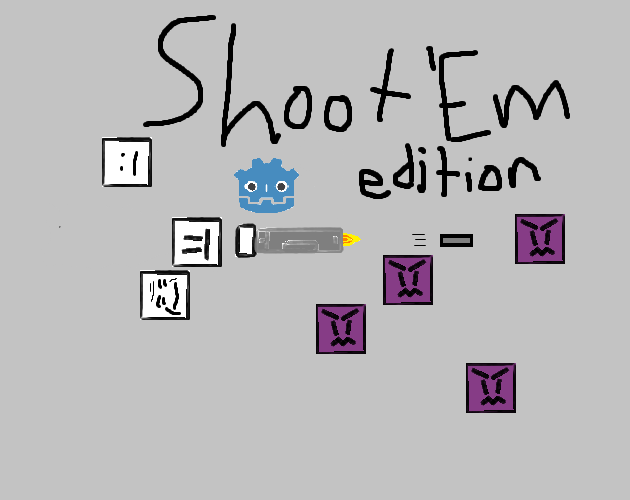
Shoot Em: Godot Edition
A downloadable game for Windows, macOS, and Linux
Tab for Scoreboard, Esc for Pause Menu, Left Click and Space for Shoot, WASD for movement. Set your username in the settings menu before playing and you can see it when you hold tab, thats about all thats useful for at this time.
Shoot Em was a game on scratch i made to try to learn that engine, scratch has limitations you just cant get around, which is why i started learning about Godot, and recreated my first game in the new engine! this game has had its development put on hold because im trying to learn about 3d game development in godot.
if you have no vulkan support, you can launch the game in cmd, or with a batch file with this command "--rendering-driver opengl3" as its launch option.
64 Bit Windows is the most likely guaranteed to work seamlessly
if you are using a 32 bit cpu in modern times, yikes, and i can make a build of the game for you if you comment on the game page.
Mac is the least likely to launch, i cant test it, and i dont know whatever gatekeeper is but its blocking my game unless you give it explicit permission, that seems like an issue with MacOS as a whole.
as a given, i use no ai art, code or writing in any of my work.
Download
Click download now to get access to the following files:
Development log
- 5th dev log35 days ago
- 4th Dev Log36 days ago
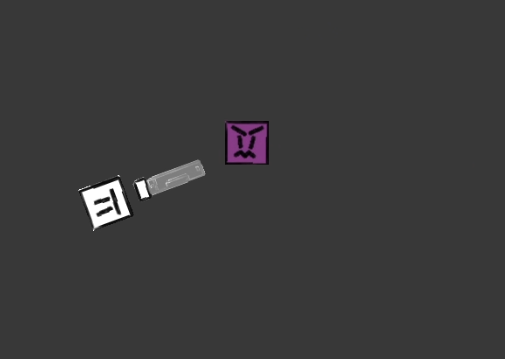
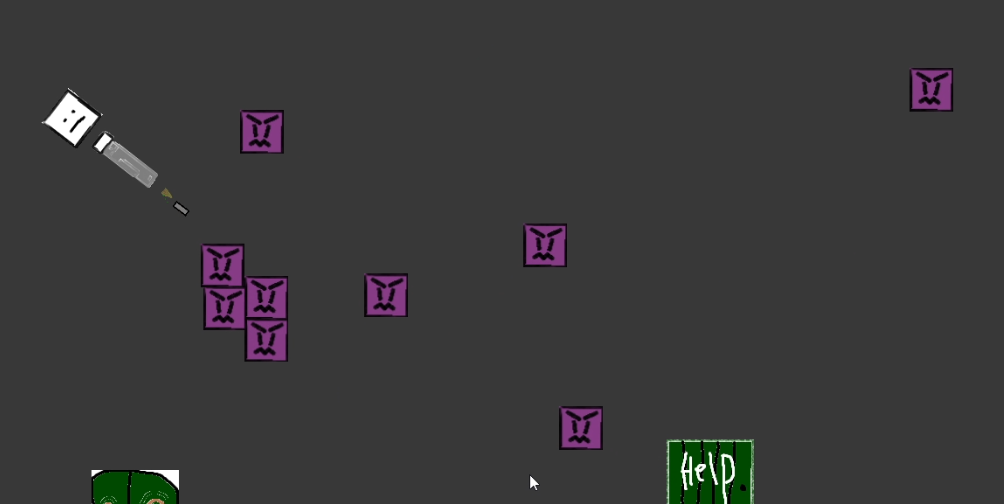
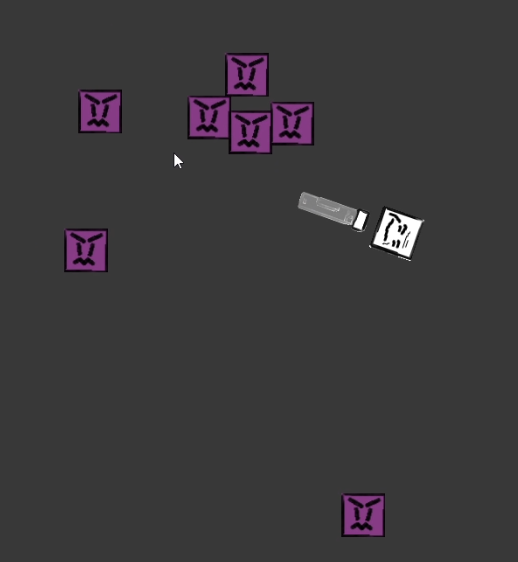
- Funny Mode!43 days ago
- Third Devlog49 days ago
- Second Devlog60 days ago
- First Devlog61 days ago
Comments
Log in with itch.io to leave a comment.
This game is pretty fun, i feel like u should update the graphics tho and ui, its quite unreadable
ok so ive resized all the text in the game to be larger and hopefully easier to see on TV screens if someone were to ever want to play it on one. what do you think i should do to improve the graphics? this game is mainly me trying to learn godot, so any features are on the table, but active development has been put on hold for now.
u can keep the game style but redraw all textures so they are more detailed because rn its a mess. In main menu, u can add a sound playing every time a cursor moves through buttons, maybe change the font everywhere except minecraft thingie and version thingy. I also noticed that when u opening menus and clicking buttons the sound volume is different, f.e when i toggle Vsync its quiter than when i press "Back" button. Also in one place buttons are rounded in other are not fix that too, u could add some paper texture behind game tutorial thing. Maybe add another mechanic so when u lose hearts u gain abilities but when u recover u lose them to balance everything
okay i added the hover sfx and fixed the vsync toggle audio being off, nice catch, added the paper texture behind the controls, ive mostly been working on video ideas rn havent been updating as much